A still-image prompt can describe a beautiful moment without explaining how to move through it. A video prompt needs that extra layer. Build the brief so that each instruction can be assigned to the scene, subject, camera, environment, or timing.
01 / Video
Establish the visual baseline
Name the subject and environment in a way that gives the action context. Avoid letting the description become so elaborate that the motion is an afterthought.
When using an image reference, you may not need to repeat every visible attribute. Concentrate on the differences or movements that the image cannot communicate on its own.
02 / Video
Give the subject an action
Choose an action that can be understood as a progression: turning, stepping, reaching, settling, or another movement appropriate to the scene.
An expression such as “dynamic” describes energy without specifying behavior. Replace it with an action and a direction so the result can be evaluated against something visible.
03 / Video
Give the camera a separate instruction
A camera following beside a subject creates a different shot from a camera looking straight at the same subject. Describe viewpoint and movement when they matter.
Avoid incompatible instructions such as a locked-off camera that simultaneously circles the subject. If the camera behavior changes during the shot, explain the sequence.
04 / Video
Choose secondary motion carefully
Wind, water, fabric, light changes, and background activity can help a scene feel alive. They can also compete with the main action.
Start with the motion that matters most. Add secondary behavior only when it serves the composition or the intended atmosphere.
05 / Video
Describe the pacing and resolution
A movement can be gentle, abrupt, sustained, or settling. Give it a useful rhythm rather than asking for several unrelated events in the same moment.
Explain whether the scene should hold at the end, continue beyond the frame, or make a deliberate transition. Do not assume every mode supports exact timing instructions.
06 / Video
Revise only the failing part
If the subject appearance works but the camera does not, revise the camera sentence. If the action is unclear, simplify it before adding more stylistic detail.
Keep the review tied to the brief: what was requested, what appeared, and which part needs another attempt. This creates a repeatable process rather than a growing list of unrelated instructions.
A direction you can adapt
A cyclist moves along a quiet coastal road. The camera tracks alongside at a steady distance, keeping the cyclist clearly framed. Gentle fabric movement, soft morning light, and stable road geometry. Let the cyclist continue toward the open road at the end; no sudden scene change.
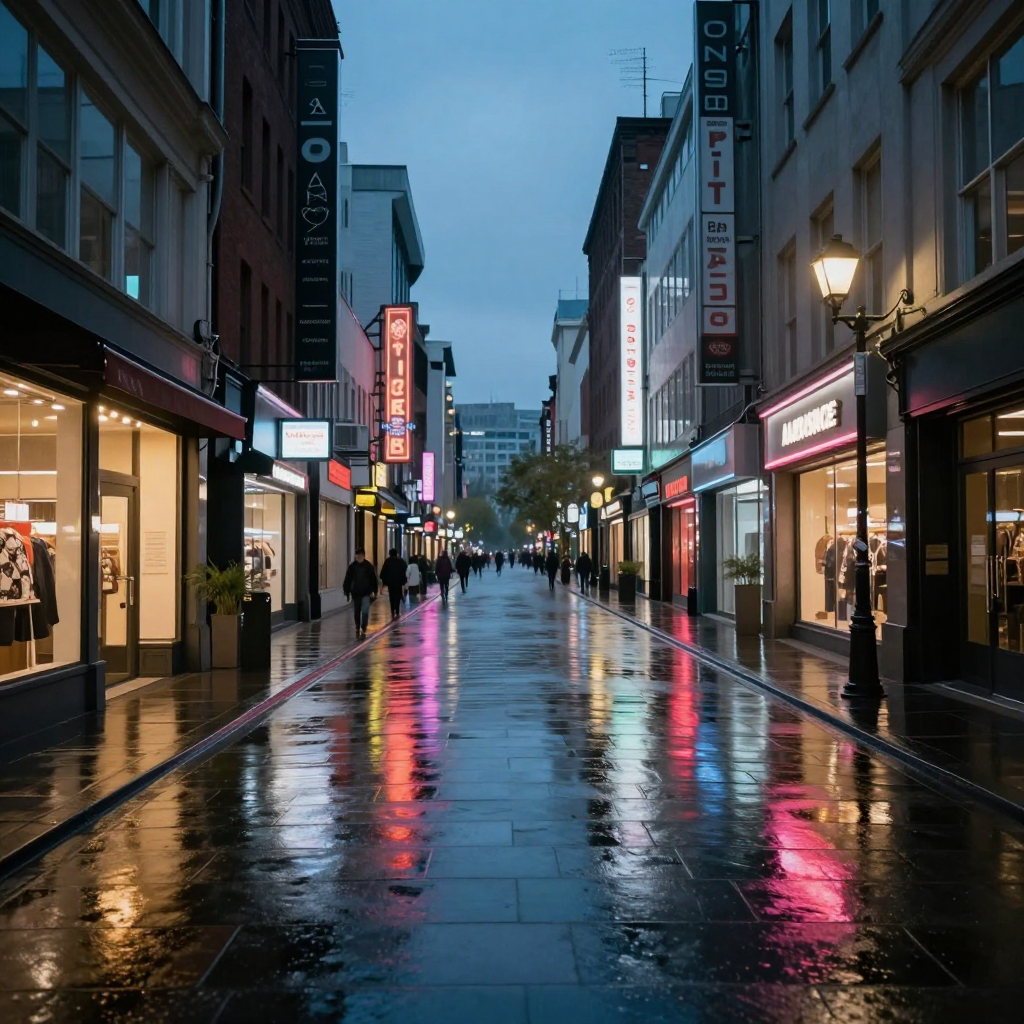
An example brief to adapt, not the recorded generation prompt for the displayed illustration.
Keep this close
A brief worth keeping.
- Separate appearance from action.
- Specify camera behavior independently of subject motion.
- Avoid competing movements in the first test.
- Revise the sentence responsible for the visible mismatch.