Choose one primary role
Decide whether the reference is mainly about the subject, composition, or overall look. Avoid expecting every detail to remain unchanged while also asking for a radically different scene.
Images / Use case
Use an existing image to guide a new visual variation, while deciding which parts of the reference matter most.
A reference can express composition, subject appearance, color, or atmosphere more efficiently than words alone. The useful question is not simply whether to upload an image, but what role you want that image to play in the result.
From input to intention
Prepare the input, express the intention, and review what actually changed.
Decide whether the reference is mainly about the subject, composition, or overall look. Avoid expecting every detail to remain unchanged while also asking for a radically different scene.
Write a short brief that describes how the output should depart from the source. Specify important elements to retain, such as the viewpoint or main architectural form.
Inspect the relationship between source and result. Look for unintended shifts in shape, framing, identity, and readable details, not only whether the new style is attractive.
Start with a useful brief
Use this as a starting brief, then adjust it to your own source and intention.
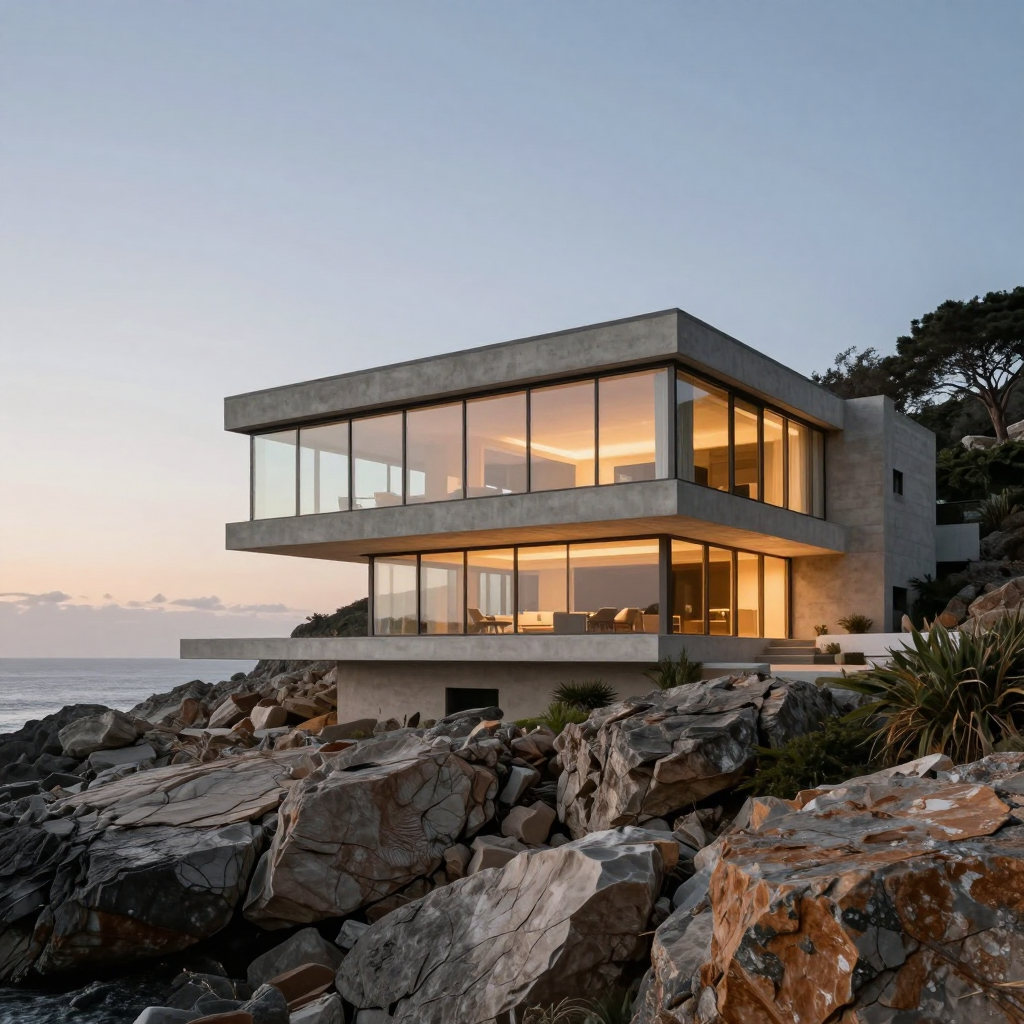
Use the supplied architectural image as a composition reference. Keep the broad structure and camera viewpoint, but reinterpret the atmosphere as a quiet blue-hour scene with warm interior light. Preserve the landscape’s overall balance.
Illustrative creative brief. It is not the recorded prompt for the displayed sample.
Reference-led generation does not automatically mean an exact copy with a new style applied. Determine which controls the connected workflow actually provides and judge the real result.
If one detail must be changed while the rest is already correct, a focused edit may be a better starting point than asking for a new image variation.
A reference of a bright open room and a prompt for a crowded dark hallway express conflicting scenes. Sometimes that conflict is intentional, but it should be an explicit creative choice.
Give each input a role. State which parts of the image provide structure and which parts the written brief should reinterpret.
Compare meaningful elements such as perspective, proportions, lighting, and negative space. This helps distinguish an interesting variation from one that no longer serves the original purpose.
Use references you are allowed to process. A different-looking output does not remove the need to consider the rights associated with its source.
The useful details
Not necessarily. Image to Image explores a variation guided by a reference. Guided Edit begins with a more focused instruction about changing the existing image.
Do not assume that. Compare the whole result, and use a selected-region workflow when location is important.
Only where the connected workflow supports them. This page does not promise a particular reference count.
Choose ones that clearly express the role you need them to play, such as a readable composition or a well-lit subject.
Connected workflows
One tool. More possibilities.
This use case belongs inside the broader tool. Explore related approaches without learning a different navigation system.