Describe the subject
Choose the main subject and the action or pose that matters. Add a setting only when it helps the composition. A short, coherent brief gives you something concrete to judge.
Images / Image Generator
Create a visual direction from a prompt, then refine the details that make it yours.
Start with a subject, a setting, and a point of view. Image generation is useful for exploring a composition before you commit to a polished version, whether you are developing an editorial portrait, a product scene, or an imagined place.
Your inputs, directions, and versions stay together in Studio.
Choose your starting point
Choose the starting material that already expresses part of your intention.
Build a new composition from a written description. Useful when the scene does not exist yet.
02Use a reference to guide the subject, composition, or visual treatment.
03Keep your starting image and describe a focused change rather than rebuilding the whole brief.
A considered workflow
Treat the first result as a direction to evaluate, not an obligation to accept.
Choose the main subject and the action or pose that matters. Add a setting only when it helps the composition. A short, coherent brief gives you something concrete to judge.
Describe framing, light, materials, and mood. Prioritize the few attributes that define the image instead of stacking styles that pull in different directions.
Inspect the full image, then the details. Keep what works, identify one visible weakness, and use the appropriate edit workflow for a local correction.
Make the brief do the work
A useful prompt explains what the viewer should notice first and how the scene should feel.
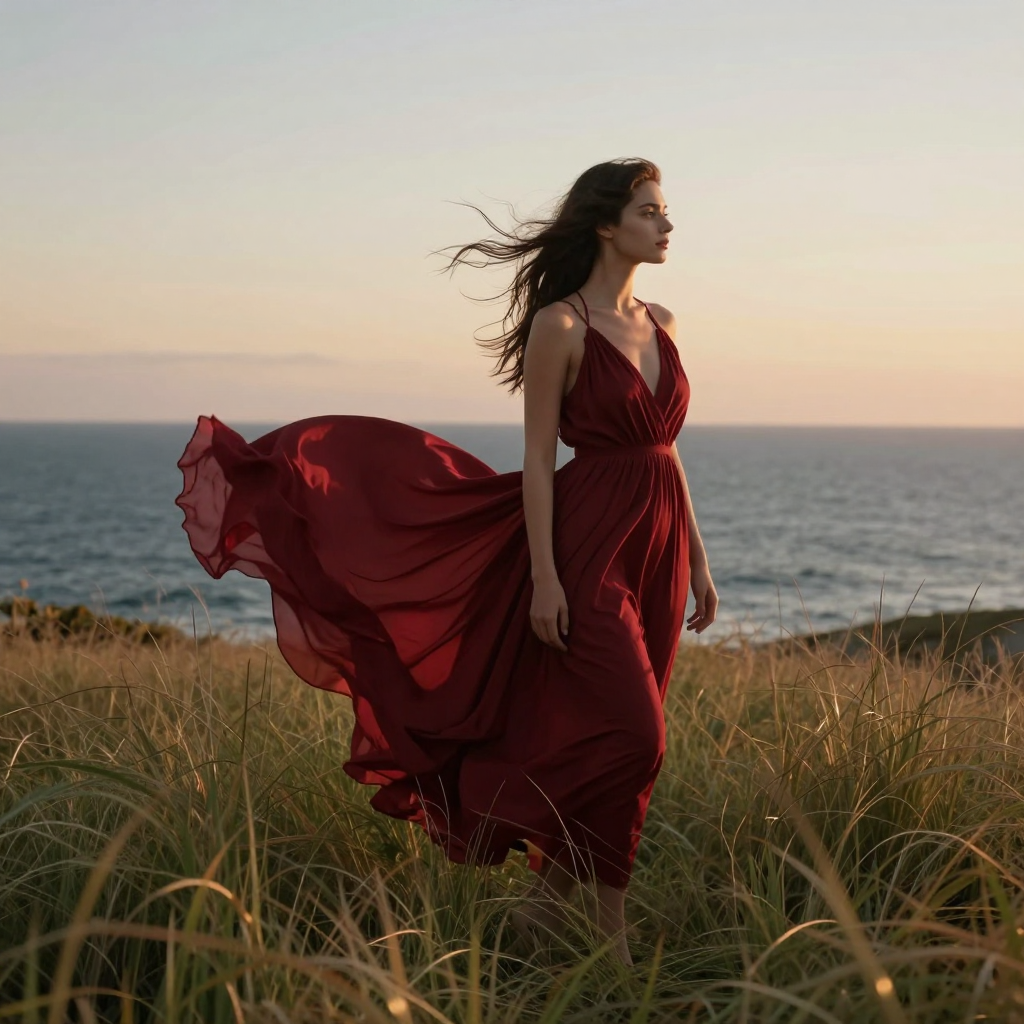
A windswept coast with a flowing deep-red dress in tall grass above the sea at sunset. Natural fabric movement, warm evening light, cinematic editorial photography, realistic detail, clean composition, no text, no watermark.
Recorded prompt for the displayed Studio result. Its exact settings and seed are available in the matching library recipe.
Begin with the subject, then describe the environment and visual treatment. When everything is equally important in the prompt, it becomes harder to tell what went wrong in the result.
For a product concept, name the product’s material and its placement before discussing decorative effects. For a portrait, prioritize pose, framing, and light. Save optional details for a later iteration.
Generation explores the whole image. Guided Edit describes a change to an existing image. Inpainting focuses attention on a selected region. These are different starting points, even when the intended final picture is similar.
If the composition is already working, do not automatically regenerate it to remove one distraction. A smaller edit gives you a more focused comparison.
A picture that looks convincing as a thumbnail may contain distracting text, inconsistent reflections, or awkward small details. Review the result at its intended display size and inspect any important faces, hands, labels, and edges.
Check the rights associated with uploaded references and the destination where you intend to publish. A generated image is not evidence that every depicted brand, person, or design is cleared for use.
The useful details
Start from text when you are exploring a scene from scratch. Use an image reference when you already have a composition, subject, or look worth preserving. Reference support depends on the workflow available in your account.
Use Guided Edit to describe the change, or Inpainting when you need to specify the region. Review the edited boundaries and keep the source available for comparison.
Yes. This coastal image was generated in Studio. Open its recorded recipe to see the actual prompt, quality settings and seed. Repeating the recipe after service updates may produce differences.
Open the existing Studio workflow to inspect the options and current credit quote. This overview does not set resolution, speed, or pricing guarantees.
Connected workflows
Your next step
Explore the possibilities here, then continue in the existing Studio.