Add references
Choose up to three image files.
Video / Use case
Create a new video inspired by your image references.
Supply up to three image references and describe a new video. References inspire the generated result; they do not fix its endpoints or soundtrack.
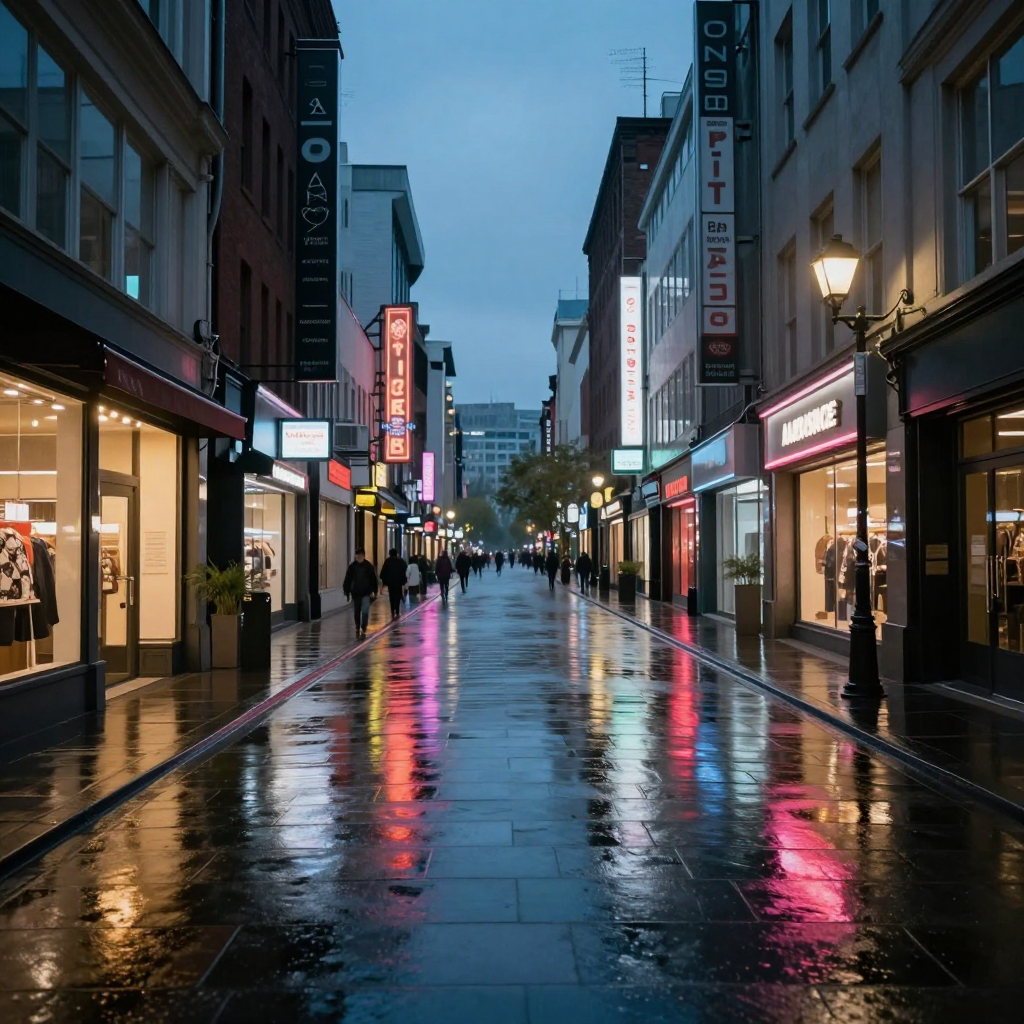
From input to intention
Prepare the input, express the intention, and review what actually changed.
Choose up to three image files.
Explain how each reference should influence the result.
Check the new video against your intended direction.
Start with a useful brief
Use this as a starting brief, then adjust it to your own source and intention.
Create a new scene inspired by these references. Describe which qualities to retain and which to change.
Illustrative creative brief. It is not the recorded prompt for the displayed sample.
Supply up to three image references and describe a new video. References inspire the generated result; they do not fix its endpoints or soundtrack.
The useful details
Up to three image references, at most 20 MB each.
References inspire a new result. They do not set fixed frames or an unchanged soundtrack.
Open Videos, then Reference to Video, then Images to Video.
Connected workflows
One tool. More possibilities.
This use case belongs inside the broader tool. Explore related approaches without learning a different navigation system.