01 / Establish
Where are we?
A wider view explains the subject’s relationship to the setting.
Missing output clipVideo / Use case
Plan a short multi-shot story with a shared visual identity, purposeful shot changes, continuity notes, and clear review criteria.
A sequence needs more than several attractive clips. Decide what the viewer learns in each shot, preserve the important details, and make the transitions intentional. This use case belongs under Video Generator; it is not a promise of automatic editing or perfect character continuity.
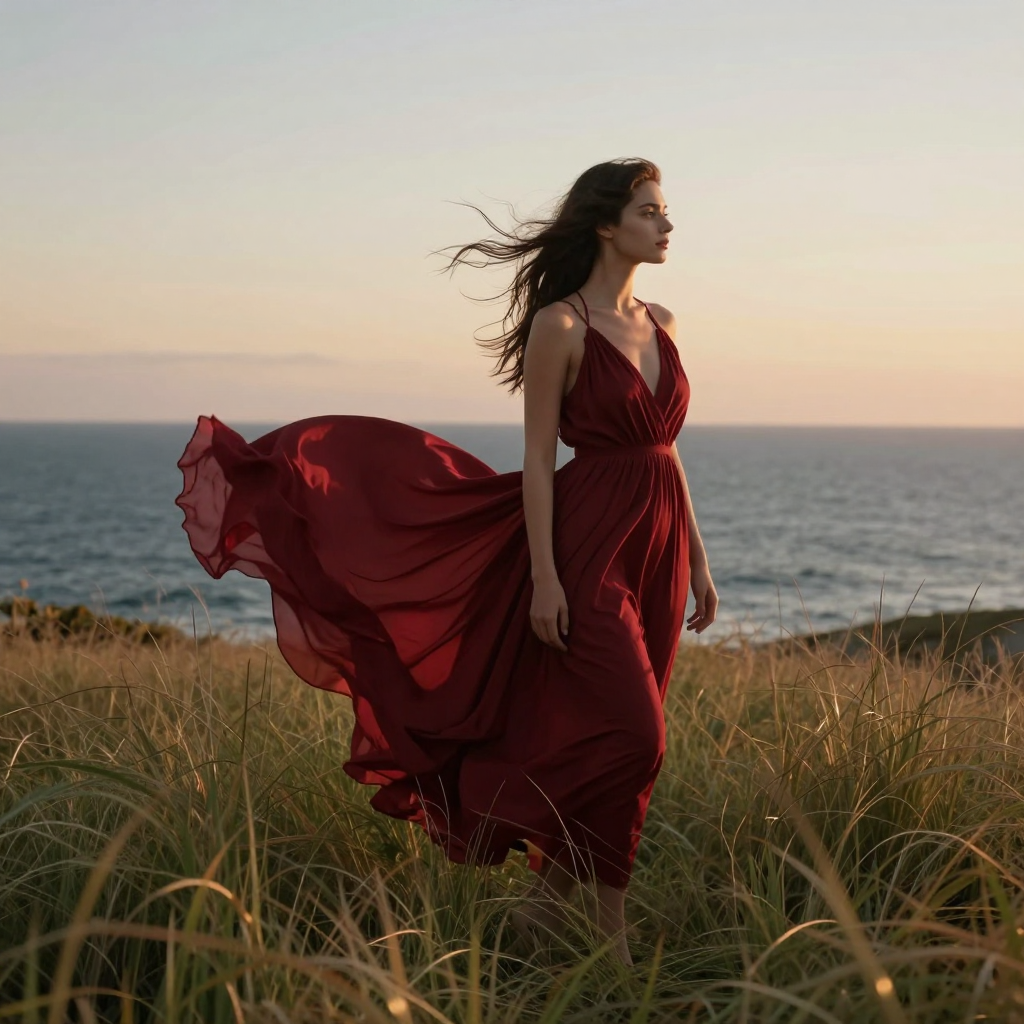
A direction, not a generated result
A conceptual shot plan. Actual output clips are marked Missing.
A wider view explains the subject’s relationship to the setting.
Missing output clipA closer view develops the same action with consistent details.
Missing output clipA final detail or reaction gives the sequence a clear ending.
Missing output clipFrom input to intention
Prepare the reference, direct the change, and review the complete result.
Summarize the idea in one sentence, then decide what each shot contributes. Keep the setting, character, props, and visual tone in a shared reference brief.
Describe framing, subject action, and camera movement separately for each shot. Avoid changing every variable at once, and note what must carry across the cut.
Check appearance, screen direction, lighting, props, and the relationship between shots. Decide which transitions need regeneration and which belong in the finishing edit.
Start with a useful brief
Adapt the subject, setting, and emphasis to your own project. Keep the constraints you actually need.
Plan a three-shot coastal story using the authorized subject and setting references. First, establish the subject standing near the cliff path in a quiet wide composition. Next, move to a closer view that develops the same wind and light direction without changing clothing or surroundings. Finish on a deliberate detail that resolves the moment. Keep continuity requirements explicit and review each shot transition rather than assuming the sequence will match automatically.
Illustrative creative brief. No generated output is attributed to this prompt.
Begin with a simple story or visual intention. An establishing view can explain the setting; a closer view can develop an action; a detail can resolve it. The particular sequence depends on the project, but each change should earn its place.
Write a short note about what the viewer should understand after each shot. This helps distinguish a purposeful sequence from a montage of unrelated ideas. Remove a shot if it adds complexity without adding meaning.
Describe what the subject does and what the camera does as separate parts of the brief. A subject walking toward a fixed camera is a different action from a camera moving toward a stationary subject.
Keep the most important movement easy to evaluate. Several simultaneous camera moves, scene changes, and new actions can make it difficult to identify why a transition fails. Develop a sequence in deliberate steps.
Place the candidate shots in order and watch them together. Look for changed props, reversed positions, inconsistent light, and a subject that appears to change identity between shots. A strong standalone frame may still be wrong for the sequence.
Choose whether a problem requires a new generation or a finishing edit. This page does not promise a supported number of shots, exact durations, automatic assembly, or an integrated timeline. Those details must come from the connected workflow.
The displayed coastal image is an illustrative reference, not a verified multi-shot result. The individual generated clips and assembled sequence are marked Missing.
A useful future demonstration should show the shot plan, actual references, generated clips, and any final editing. Distinguish model output from manually assembled material so the workflow is represented accurately.
The useful details
No. An extension continues from existing footage. A multi-shot sequence changes viewpoint or scene deliberately while preserving the details that connect the story.
Do not assume perfect continuity. Use consistent authorized references and inspect the complete sequence for changes in appearance, props, and behavior.
Use the shot-list composer in Studio to save individual shot directions and continuity references. The connected service must confirm support for executing the full sequence.
No verified limit is advertised here. The three-part plan is an illustrative storytelling example, not a backend capacity or duration claim.
Connected workflows
One tool. More possibilities.
Return to Video Generator to explore the broader workflow.