Prepare both references
Choose a readable character image and a permitted vocal performance. Keep the lyrics, speaker or performer authorization, and intended publication context with the project.
Video / Use case
Plan a singing-character video from a permitted image and vocal performance, with attention to sustained notes, expression, and audio synchronization.
Singing is more than speech with a melody. Build the idea around a real, authorized performance, then decide how the character should express it. This workflow belongs under Video Generator, then Reference to Video. The source audio and finished video are currently marked Missing.
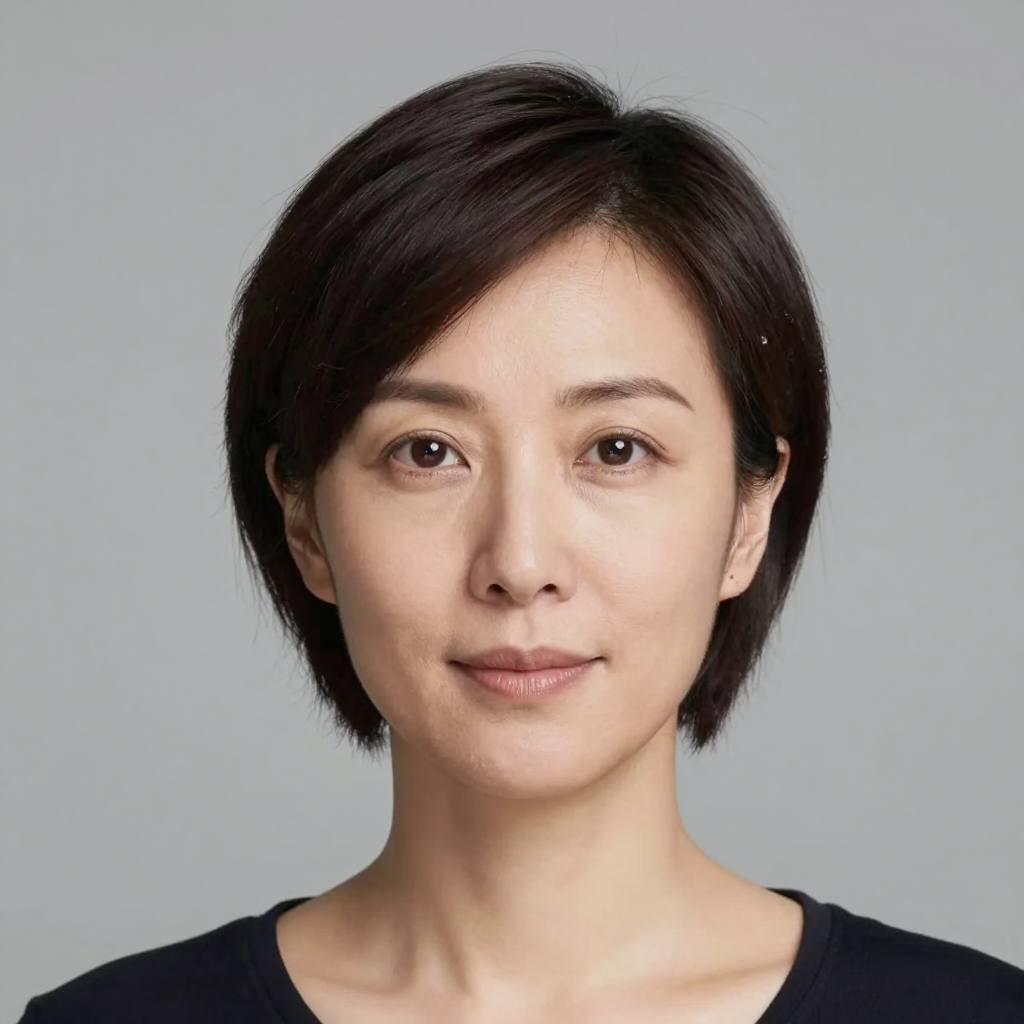
From input to intention
Prepare the reference, direct the change, and review the complete result.
Choose a readable character image and a permitted vocal performance. Keep the lyrics, speaker or performer authorization, and intended publication context with the project.
Describe the emotional delivery and whether the character should remain still or move gently. Separate expression from camera movement so the result has one clear visual intention.
Review sustained vowels, quick lyrics, breaths, phrase endings, and the final pause. Compare the full clip with the approved reference rather than judging a single frame.
Start with a useful brief
Adapt the subject, setting, and emphasis to your own project. Keep the constraints you actually need.
Use the authorized character image as the appearance reference and the permitted vocal recording as the performance reference. Frame the subject from the shoulders up against a quiet background. Aim for a restrained, expressive performance with small head movements. Preserve the intended lyrics and emotional delivery. Review sustained notes, breaths, eye movement, and synchronization throughout the result.
Illustrative creative brief. No generated output is attributed to this prompt.
The reference recording carries the phrasing and intention. Choose a take with the delivery you want to evaluate, rather than expecting a visual instruction to repair an unsuitable vocal performance. Keep a lyric transcript next to the recording so words and omissions are easy to check.
A solo vocal and a fully mixed song create different review problems. Where a voice is difficult to hear, prepare a clearly documented reference that the connected workflow supports. Do not assume that instrumental separation, a particular singing style, or every audio format is available.
The picture establishes an appearance reference. The recording establishes the intended performance. Neither reference grants permission to combine a recognizable person with someone else’s words or voice. Use your own material or a combination specifically authorized for the intended context.
A character image is not automatically an exact first-frame constraint. Use Start & End Frames for a separately supported boundary-frame requirement, and keep that distinction in the creative brief.
Start with a simple camera setup. A steady close portrait makes it easier to evaluate the jaw, eyes, and expression. Wide framing, fast camera movement, and busy backgrounds may hide errors instead of solving them.
When movement is important to the concept, describe one intentional change. For example, ask for a slight lift of the head at the end of a phrase rather than a long list of unrelated gestures. Treat this as direction to review, not a guarantee of precise choreography.
Watch a complete phrase with sound. Inspect transitions into open vowels, closed-mouth consonants, quick syllables, and pauses. The lips, jaw, cheeks, and eyes should make sense together. Then play the clip without sound to notice visual changes you may have overlooked.
Check the first and last moments as carefully as the middle. An abrupt face change, unexplained mouth movement after the recording ends, or a cut that interrupts a breath may make an otherwise useful clip unsuitable.
A useful example needs the approved character reference, the source vocal, the lyrics, and the actual processed video. A portrait alone cannot demonstrate singing quality or audio synchronization.
The displayed character image is illustrative. No silent animation is presented as evidence of a completed singing workflow. Verified example media is marked Missing until supplied.
The useful details
It is a detailed use case within Reference to Video. Talking Face focuses on speech; Singing Characters adds preparation and review for vocal phrases, sustained notes, and musical expression.
Not by itself. The proposed input includes a permitted vocal recording. Creating or cloning a voice is a separate audio workflow with its own availability and permission requirements.
Use a reference and performance that are authorized for the intended combination and context. Do not imply that a real person performed or endorsed something without permission.
Open this workflow in Studio to prepare its inputs, direction, and project assets. Review the supported options and the service quote before generating.
Connected workflows
One tool. More possibilities.
Return to Video Generator to explore the broader workflow.