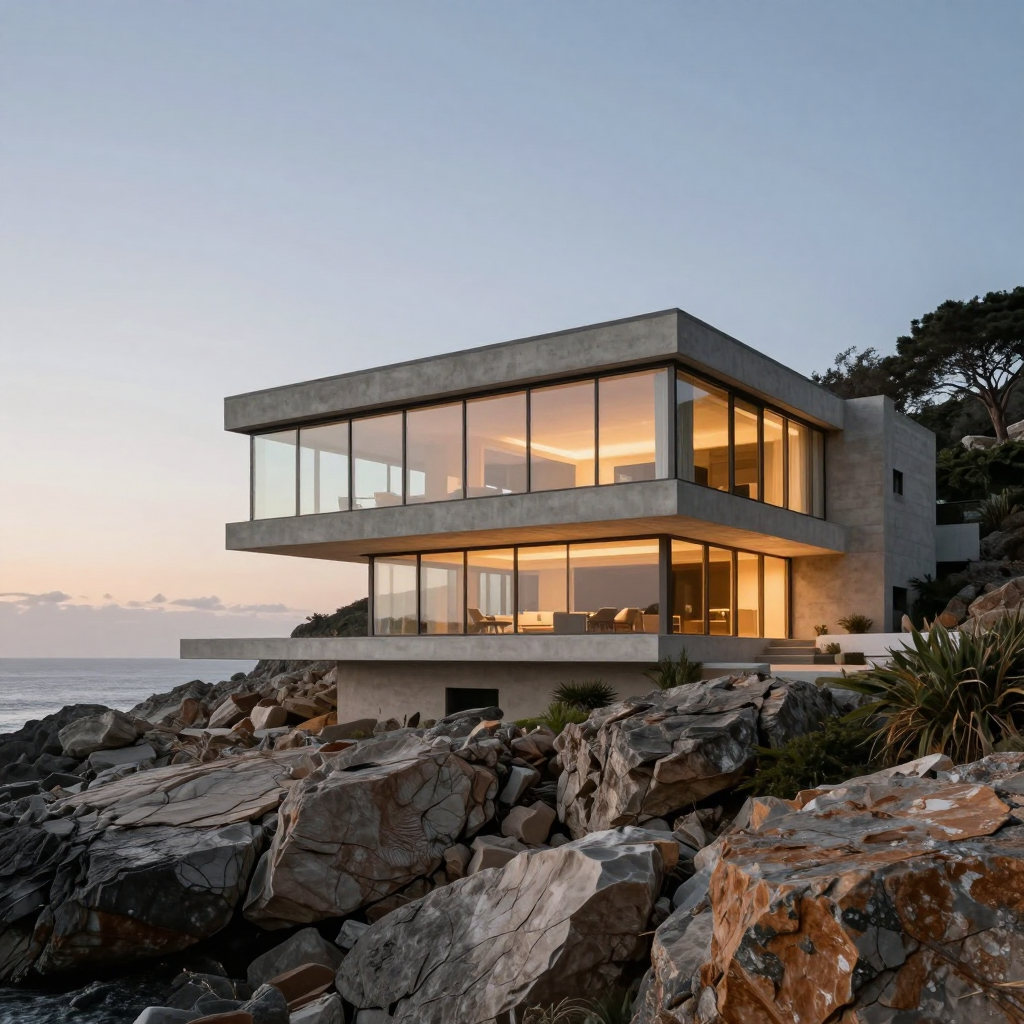
A useful prompt is a small creative brief. It should help you explain the result you want and diagnose the one you get. More words are not automatically better: the important question is whether each instruction has a clear role and whether the instructions agree with one another.
01 / Images
Lead with a concrete subject
Name the subject and its defining attributes before discussing atmosphere. “A concrete house on a rocky slope” establishes something visible. “Award-winning, premium, breathtaking” does not tell the scene how to arrange itself.
For a product, describe material, shape, and placement. For a person, describe framing and an appropriate pose or action. For a landscape, identify the main spatial relationship.
02 / Images
Describe relationships in the scene
Words such as beside, behind, above, reflected in, and framed by help communicate composition. They connect elements instead of leaving them as a loose list.
A house above a coastline and a house reflected in a still lake are different pictures even if the building is identical. State the relationship that matters rather than assuming the setting will supply it.
03 / Images
Choose light that explains the image
Light descriptions are useful when they reveal form, establish mood, or guide attention. Think about direction, softness, and the surfaces it should affect.
Avoid accumulating several dramatic light cues without a reason. If warm interior light against a cool exterior is the main contrast, give that relationship priority over unrelated effects.
04 / Images
Add style selectively
A style cue can communicate the intended visual language, but several competing styles can weaken the brief. Choose the level of realism, detail, and treatment that fits the project.
Use references you are permitted to use, and avoid treating a style name as a substitute for describing the qualities you actually need. Concrete traits are easier to review than an undefined aspiration.
05 / Images
Separate a new image from an edit
A generation prompt describes a scene. An editing instruction describes a difference from an existing scene. They should not be written as though they are interchangeable.
For an edit, lead with the action and state what should remain. “Change the chair to terracotta upholstery; keep the room and camera view” gives clearer boundaries than rewriting a full room-generation prompt.
06 / Images
Revise the prompt through comparison
When the result misses the intention, identify the mismatch before adding more instructions. Is the problem the subject, framing, light, material, or an unwanted detail?
Change the relevant part and compare again. Keep useful versions of the brief so that each iteration teaches you something, rather than becoming a longer prompt whose parts no longer agree.
A direction you can adapt
A modern glass-and-concrete coastal house on a rocky hillside, warm interior lights at dusk, architectural photography, clean geometry, natural materials, refined editorial composition, no people, no text, no watermark.
Exact recorded prompt for the displayed Studio result. Open its library recipe for the actual quality settings and seed.
Keep this close
A brief worth keeping.
- Use concrete subjects and spatial relationships.
- Let a few meaningful light cues do the work.
- Avoid contradictory or competing style instructions.
- Change a prompt because of a visible mismatch, not just to make it longer.